Lemon Text Effects for Bold Designs
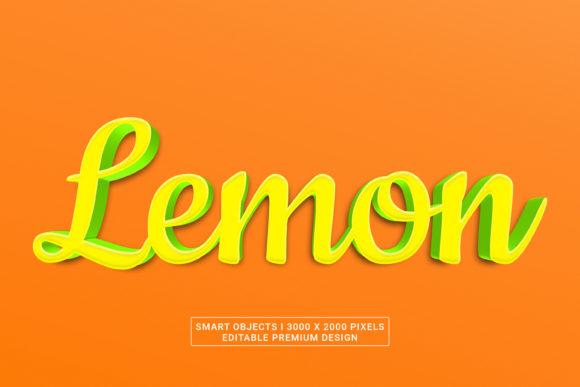
There is a specific kind of energy that comes from combining fresh, vibrant citrus imagery with sharp typography. It suggests refreshment, clarity, and an immediate burst of flavor. When you apply this concept to Lemon Text Effects, you are not just creating a font; you are crafting a visual experience that captures attention in a crowded digital landscape. Whether you are designing a summer campaign, a food blog header, or a brand identity for a beverage startup, the ability to render text that looks like it is dripping with juice or carved from zesty rinds can elevate your project from standard to standout.
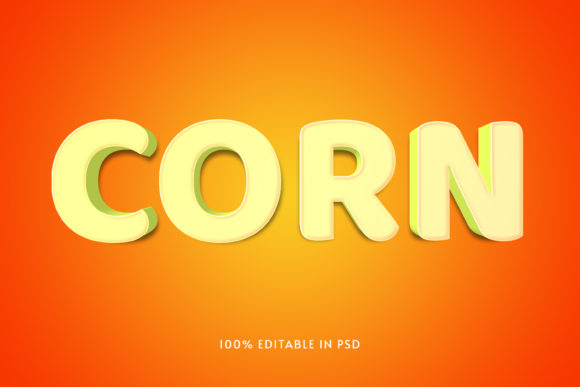
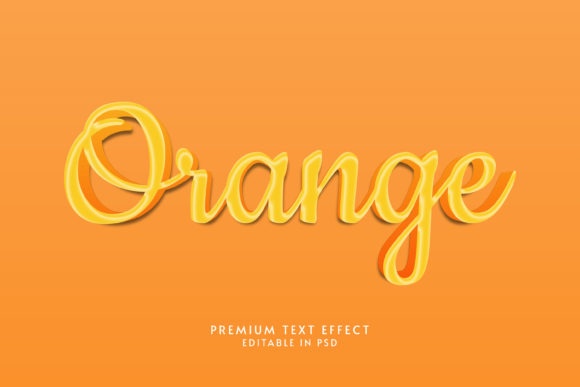
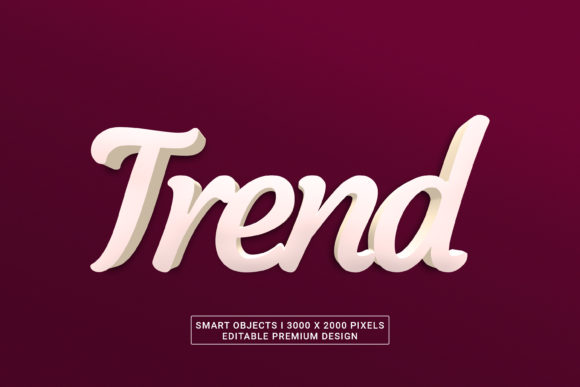
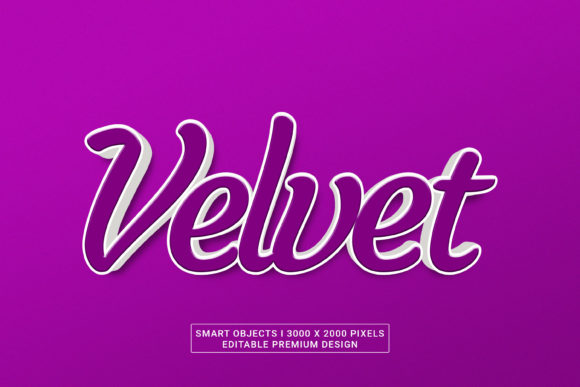
The premium design described here takes this concept further by offering high-resolution smart objects at 3000 x 2000 pixels. This resolution is critical for modern workflows where clarity is non-negotiable. You might be preparing assets for large-format printing, high-density mobile displays, or detailed web banners. The 3D PSD structure ensures that every curve of the lemon peel and every drop of condensation on the letterform is editable. This level of detail allows creators to maintain professional quality without needing to model complex 3D geometry from scratch.
Why Smart Objects Change the Workflow
In the world of Adobe Photoshop CC 2022, efficiency is often measured by how quickly you can iterate on a design without losing quality. Traditional raster effects require flattening layers, which locks you into a single look. However, these Lemon Text Effects utilize smart layer organization. This means the text remains fully editable. You can change the wording, adjust the kerning, swap the font family, and still retain the complex lighting, shadows, and texture maps that give the letters their three-dimensional appearance.
This flexibility is particularly valuable for freelancers and small business owners who need to pivot quickly. Imagine a client requests a change from "Fresh Juice" to "Zesty Lemonade." With standard text effects, you might have to rebuild the entire graphic. With these smart objects, you simply type the new text, and the 3D rendering engine applies the same realistic textures instantly. The preservation of high resolution ensures that whether you are scaling down for an Instagram story or up for a billboard, the image remains crisp at 300 DPI.
- Non-Destructive Editing: Modify text content without re-rendering the entire effect.
- Layer Organization: Pre-structured groups make it easy to isolate specific elements like highlights or shadows.
- High Resolution: 3000 x 2000 pixels provide ample room for cropping and resizing.
- Free Font Compatibility: The design includes or works seamlessly with accessible typefaces, removing licensing barriers.
Creative Applications Beyond the Kitchen
While the name suggests a culinary theme, the aesthetic versatility of Lemon Text Effects extends far beyond recipes and menus. The color palette associated with lemons—bright yellows, deep greens, and stark whites—is universally recognized as optimistic and energetic. Designers can leverage this psychology to communicate positive messages across various industries.
For marketers, these effects work exceptionally well for promotional campaigns. A sale banner featuring lemon-style text immediately draws the eye due to the high contrast between the yellow and the background. It signals value and freshness. In the tech sector, a software launch page could use a sleek, metallic version of this effect to suggest speed and innovation, stripping away the organic texture for something more industrial yet retaining the bold shape.
Educators and bloggers often struggle with making content visually engaging. Static walls of text can deter readers. By incorporating these 3D text elements as section headers or pull quotes, you break up the reading flow and create visual anchors. For example, a blogger writing about productivity hacks could use a "Squeeze the Day" headline with a textured lemon effect to reinforce the metaphor of extracting value from time.
Tailoring the Effect for Your Audience
Different platforms demand different approaches to design. What works on a desktop monitor might get lost on a mobile screen if the details are too fine. The beauty of using a 3000 x 2000 pixel source file is that you have the data to adapt the asset for any context. If you are targeting a younger audience on TikTok or Instagram Reels, you might exaggerate the colors, making the yellow more neon and the shadows deeper to create a pop-art vibe.
Conversely, if you are designing for a corporate presentation or a B2B brochure, you might tone down the saturation. Use the smart object layers to reduce the opacity of the highlights or switch the texture to a matte finish. This subtle shift transforms the text from a playful decoration into a sophisticated design element. The key is consistency. Once you choose a style variation, apply it consistently across all your materials to build a recognizable brand voice.
Freelance designers should also consider the technical constraints of their clients. Some websites cannot handle heavy, high-resolution images. By utilizing the smart layer organization, you can export only the necessary parts of the text effect or flatten the layers specifically for web optimization while keeping the master file intact for future edits. This balance between creative freedom and technical practicality is what separates amateur designs from professional ones.
Practical Tips for Execution
To get the most out of these Lemon Text Effects, start by understanding the lighting logic within the PSD file. Most 3D text effects rely on a specific light source direction. If your background image has a shadow falling to the left, ensure the text effect matches that direction to maintain realism. Mismatched lighting creates a jarring disconnect that pulls the viewer out of the experience.
Furthermore, do not underestimate the power of negative space. A bright yellow text effect needs room to breathe. Avoid cluttering the area around the text with busy patterns or competing graphics. Let the 3D depth of the letters stand out against a clean backdrop. This simplicity often yields the most impactful results.
When selecting fonts, remember that the effect is designed to enhance specific shapes. Thick, sans-serif fonts generally render the best with 3D extrusions and bevels, capturing the volume of the lemon rind effectively. Thin, delicate scripts might lose their definition when rendered with such heavy textures. Test different typefaces to see which one complements the geometric complexity of the lemon design.
Maintaining Originality in a Saturated Market
In an era where stock templates are ubiquitous, standing out requires a personal touch. Using a pre-made Lemon Text Effects pack does not mean your design will look generic. The smart objects allow for infinite customization. You can blend modes, add custom noise textures, or overlay gradients that reflect your unique brand colors.
Consider the narrative behind your design. Are you selling a product? Is the text meant to evoke nostalgia or excitement? Adjust the parameters of the smart objects to tell that story. Perhaps you want the text to look wet, implying a cold drink on a hot day. Or maybe you want it dry and powdery, suggesting a baking ingredient. The tools are there; the vision is yours.
By focusing on the practical application of these effects rather than just the visual novelty, you create work that serves a purpose. Whether you are a hobbyist experimenting with digital art or a business owner trying to boost engagement, the combination of high-quality 3D rendering and flexible editing capabilities provides a solid foundation for success. Embrace the possibilities, experiment with the layers, and let the zest of the design bring your projects to life.